Terraria Server Monitoring: Ensure Uptime and Peak Performance
August 12, 2026
·5 min read
·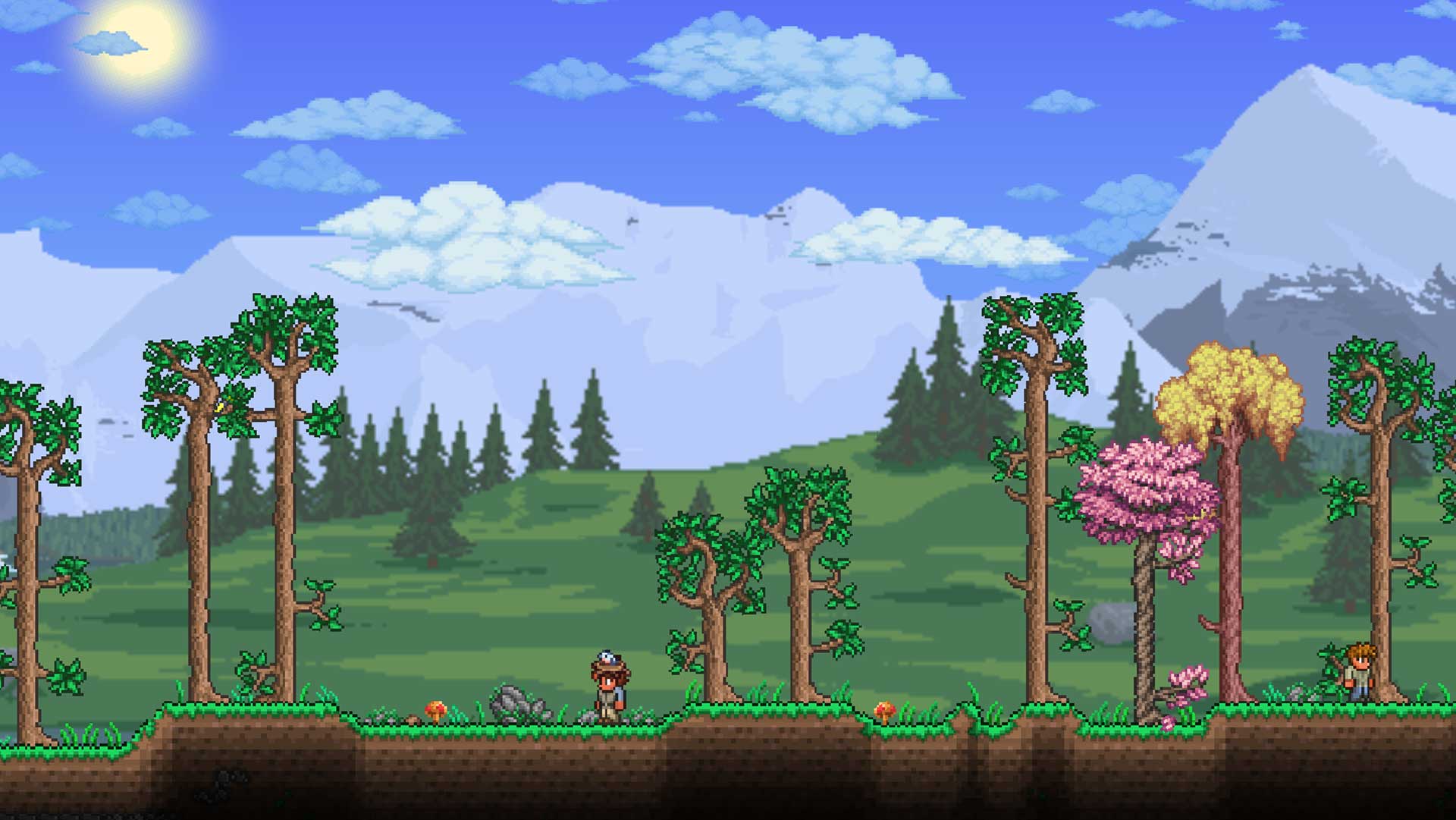
Terraria remains one of the most beloved 2D sandbox action-adventure games in modern gaming history. Since its release, millions of players have explored its sprawling procedurally generated worlds, crafted intricate gear, and battled monstrous hardmode bosses.
While playing solo offers hundreds of hours of entertainment, multiplayer is where Terraria truly shines. Hosting a dedicated server allows entire communities to construct massive persistent worlds, fight event waves together, and run heavily modded instances via tModLoader or TShock.
However, running a multiplayer server comes with administrative responsibilities. Server crashes, socket exhaustion, or silent network drops can ruin hard-fought boss battles, corrupt world saves, and alienate players. Implementing robust infrastructure monitoring ensures your server stays available and responsive.
Why Multiplayer Terraria Demands High Reliability
Multiplayer in Terraria turns a solitary sandbox into a shared, dynamic environment. Players invest dozens—sometimes hundreds—of hours into building complex structures, automating farms, and gathering rare items.
Because world state and player inventory interact continuously with the server host, server stability directly impacts the player experience.
The Mechanics of Terraria Multiplayer
Terraria relies on a client-server network model. When hosting a dedicated server (whether using the official TerrariaServer.exe executable or custom server software like TShock), the host acts as the authoritative source of truth for:
World state and tile manipulation: Tracking millions of blocks, chest contents, and liquid physics.
Entity positions: Syncing player movements, non-player characters (NPCs), monsters, and projectile trajectories.
Event logic: Managing boss spawns, weather changes, and invasion events across multiple player focus areas.
Unlike simple web applications that process stateless, short-lived HTTP requests, a Terraria server maintains persistent, long-lived connections with every online player.
The Impact of Server Downtime
When a server crashes or encounters severe network latency, the consequences extend beyond a brief pause in gameplay:
Lost progress: Unsaved world state or player inventories can roll back if the server freezes prior to an automated save tick.
Ruined events: A sudden disconnect during hardmode boss fights like the Moon Lord wastes costly summoning materials and coordination time.
Community fragmenting: Frequent unannounced outages cause players to move to more reliable servers.
Bridging Game Hosting and Infrastructure Monitoring
Maintaining high server uptime requires moving beyond manual checks. Host administrators cannot monitor server terminals 24/7 to verify whether the socket is accepting traffic or if the process has frozen. This is where automated active monitoring becomes essential.
How Terraria Communicates Over the Network
By default, Terraria dedicated servers run on TCP port 7777. Understanding this layer helps pinpoint why traditional monitoring techniques can fall short.
Communication Layer | Component | Common Failure Mode |
|---|---|---|
Application Layer | Terraria Server Executable / TShock | Memory leaks, thread deadlocks, world save hangs |
Transport Layer | Transmission Control Protocol (TCP) | Port blockage, socket exhaustion, connection resets |
Network / Internet | Router, DNS, ISP | Host unreachable, DNS resolution failures, high packet loss |
A host process might appear active in system process managers (like top or Task Manager) while the network port remains frozen or unresponsive to incoming handshake attempts. Generic process checkers will report the server as healthy, even though no player can connect.
Essential Metrics to Track
To maintain a healthy multiplayer environment, administrators should monitor three critical networking metrics:
Time to DNS Resolved (TTDR): The duration required to translate your server’s domain name into an IP address. Slow DNS resolution prevents new players from discovering or connecting to the host.
Round Trip Time (RTT): The total time taken from initiating a TCP connection request to establishing a confirmed network handshake. High RTT directly correlates with player latency (“lag”).
Connection Reachability: Automated verification that the TCP port actively accepts new connections across different geographic regions.
Practical Steps for Monitoring Your Terraria Server
A comprehensive monitoring strategy combines active network probes, periodic background job validation, and clear incident management.
1. Configure TCP Active Probes
Set up active probes targeting your server’s public IP address or hostname on TCP port 7777.
Active probes send synthetic connection requests at regular intervals (such as every 30 seconds or 1 minute) to verify that the socket responds. If the server drops packets or refuses connections, the system registers a failure immediately.
2. Verify Multi-Region Availability
Gaming communities are often global. A server accessible in North America might be unreachable in Europe due to regional routing problems or localized ISP outages.
Deploying synthetic probes from multiple geographic regions gives you visibility into regional network health and alerts you to localized routing degradation before players report it.
3. Monitor Internal Maintenance via Cron Jobs
Terraria servers rely on scheduled backend tasks, such as automated world backups, rolling log deletions, and server restarts.
When automated backup scripts fail silently, administrators risk losing days of world data during a hardware recovery. Monitoring scheduled background jobs ensures your automated maintenance routines execute successfully on schedule.
4. Set Up Automated Alerts and Incident Workflows
Configure threshold-based alerts to notify your administrative team the moment health checks fail.
Immediate alerts: Trigger high-priority notifications (via Discord, Slack, or Email) when TCP connection handshakes fail continuously over a specified window.
Status pages: Publish a real-time status page for your player community so members can check server status without cluttering support channels.
Keep Your Server Online with Crystade
Managing game infrastructure shouldn’t require maintaining custom scripts and fragmented monitoring tools. Crystade provides a unified platform designed to keep your game servers, background scripts, and services running smoothly.
With Crystade, you get access to a complete suite of monitoring tools:
Multi-Protocol Active Monitoring: Monitor raw TCP ports (like Terraria’s port 7777), HTTP/HTTPS endpoints, and TLS certificates out of the box.
Global Probing: Run automated checks from multiple geographic locations worldwide to ensure your players experience fast response times regardless of where they live.
Cron Job Health Checks: Ensure your automated world backups, maintenance scripts, and scheduled restarts execute reliably with zero missing runs.
Incident Management & Status Pages: Automatically generate incident reports when outages occur and display real-time availability to your gaming community on public status pages.
Crystade offers flexible subscription-based pricing tailored for indie server hosts, community managers, and engineering teams alike.
Summary
Running a successful Terraria multiplayer server requires more than powerful host hardware—it demands active visibility into host network connectivity and background service health.
By implementing active TCP probes, tracking global connection latency, and monitoring automated backup jobs, you can catch outages early and deliver a seamless, lag-free experience for your gaming community.
Share this post
Related Posts
Keep reading from this category

How to Monitor Model Context Protocol (MCP) Servers for AI Tools
Model Context Protocol (MCP) servers are the backbone of AI tool integrations, but silent failures can break your agents. Learn what to monitor and how Crystade’s active monitoring keeps your MCP infrastructure healthy.

Cloudflare Spectrum for Minecraft: Protect, Accelerate, Then Monitor with Crystade
Cloudflare Spectrum offers 477 Tbps DDoS defense and Anycast latency for Minecraft servers, but it doesn’t answer one critical question: is your server healthy? Discover how Crystade’s active monitoring for Minecraft protocol, TLS, and all stack layers completes your uptime strategy.


Monitoring WordPress Websites: Beyond Basic Uptime Checks
Learn how to monitor WordPress uptime, TLS certificates, database connections, and background cron jobs to prevent silent outages and maintain site reliability.